Skip to content
Tom Tech Blog

Tom Tech Blog

Journey through Retro & Modern Gaming, Explore Gear & Geek Delights

  • Home
  • Tech
  • Popular Gaming
  • Games
  • About Us
  • Contact Us
  • Home
  • 2023
  • September
  • 18
  • How Do u Leave a Life360 Group – What Happens When you Leave

How Do u Leave a Life360 Group – What Happens When you Leave

4 min read
3521
How Do u Leave a Life360 Group – What Happens When you Leave

How Do u Leave a Life360 Group

Leaving a Life360 group can be a simple process, but it’s important to understand what happens when you decide to leave. So, how do you leave a Life360 group and what exactly happens when you do?

To leave a Life360 group, start by opening the app on your device. Navigate to the “Groups” section and find the specific group you want to leave. Once you’ve located it, tap on the group name or icon to open its settings. Look for the option that says “Leave Group” and select it. Confirm your decision when prompted, and voila! You’re no longer part of that Life360 group.

When you leave a Life360 group, there are a few things to keep in mind. First and foremost, leaving a group means that your location will no longer be visible to other members of that particular group. Additionally, any notifications or alerts related to that specific group will cease once you have left.

It’s worth noting that leaving one particular Life360 group does not remove you from all groups within the app. If you’re part of multiple groups and wish to exit all of them, make sure to repeat the process for each individual group.

Overall, leaving a Life360 group is fairly straightforward – just follow these steps within the app settings. By doing so, you can regain your privacy while ensuring that others within the same group are aware of your departure.

Image1

Steps to Leave a Life360 Group

Leaving a Life360 group is a straightforward process that allows you to regain your privacy and control over your location sharing. In this section, I’ll guide you through the steps to leave a Life360 group, ensuring that you understand what happens when you decide to make this change.

Confirm your decision to leave

Before proceeding with leaving a Life360 group, it’s essential to confirm whether this is the right decision for you. Consider any potential consequences or impacts on your relationships within the group. Once you’re certain about leaving, follow the steps outlined below.

Open the Life360 App

To begin the process of leaving a Life360 group, open the Life360 app on your mobile device. Ensure that you have logged in using your account credentials associated with the specific group from which you want to depart.
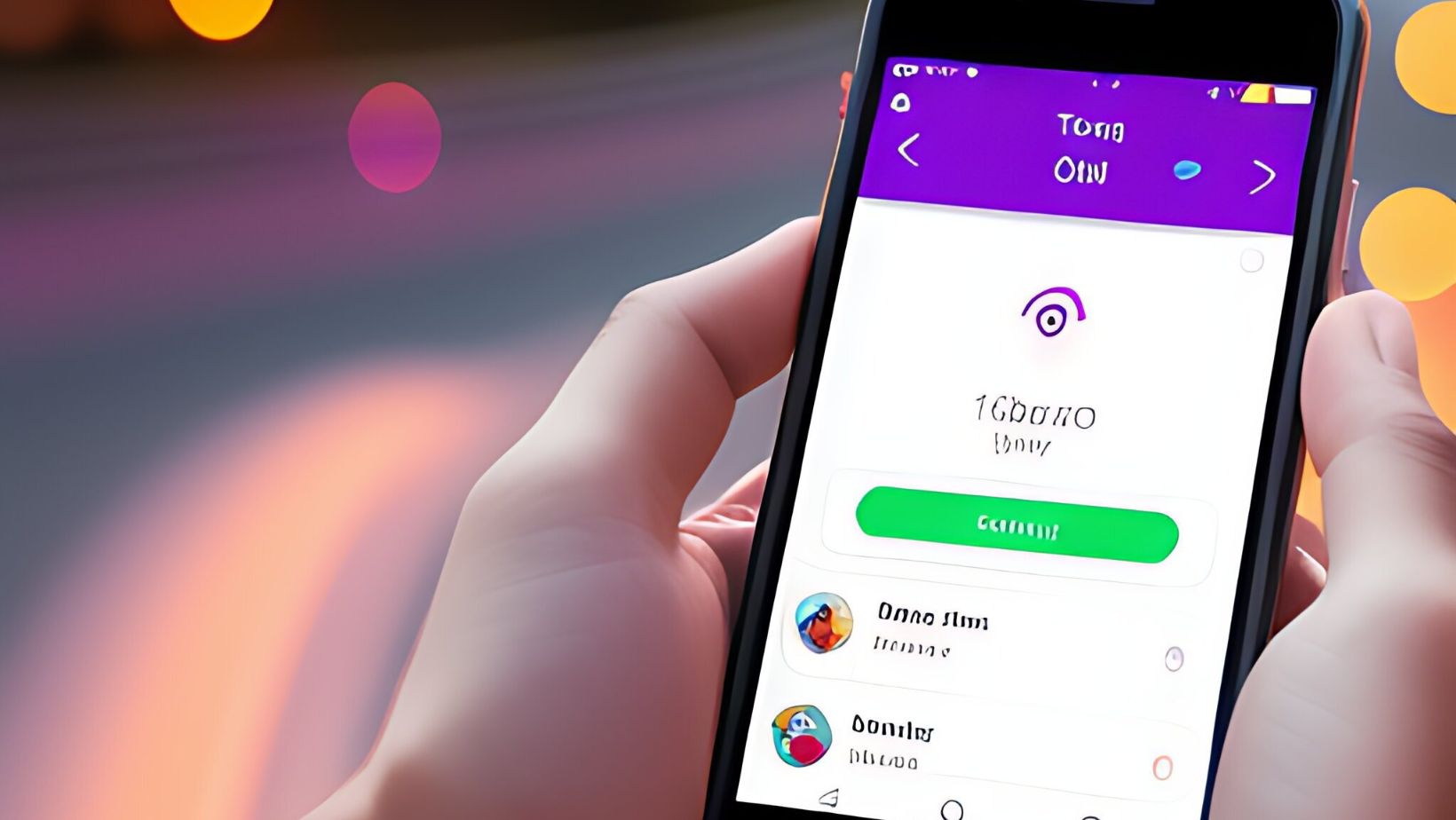
Navigate to the Groups Tab

Within the Life360 app, navigate to the “Groups” tab. This tab will display all of the groups that you are currently part of. Locate and select the specific group from which you wish to exit.

Once inside the selected group’s page, look for an option or button related to leaving or exiting. The exact placement and labeling may vary depending on different versions of the app, but it is typically easily identifiable.

By following these simple steps – confirming your decision, opening up the Life360 app and navigating to the Groups tab -you’ll be well on your way towards successfully leaving a Life360 group! Remember that once you leave a group, certain features like location sharing within that particular circle will no longer be accessible.

Please note that these instructions are based on current information available at publication time and may be subject to change as updates or new versions of the Life360 app are released. It’s always a good idea to consult the official documentation or support resources provided by Life360 for the most up-to-date guidance.

Leaving a Life360 group may seem like a simple action, but it’s important to understand what happens when you decide to part ways. So, let’s dive into the topic and explore what occurs when you leave a Life360 group.

  1. Loss of Location Sharing: When you leave a Life360 group, your location will no longer be visible to the members of that particular group. This means that they won’t be able to track your whereabouts or receive updates about your location.
  2. Removal from Notifications: Once you exit the group, you’ll no longer receive any notifications related to that specific Life360 circle. This includes alerts for arrival or departure at designated places, as well as emergency alerts triggered by other members within the group.
  3. Limited Access to Group Information: Leaving a Life360 group means losing access to all shared information within that circle. You won’t be able to view the real-time location of other members or access any chat history or shared media files exchanged within the group.
  4. Independence from Circle Features: By leaving a Life360 group, you regain control over your privacy settings and can customize them according to your preferences without being influenced by the rules and settings set within that specific circle.
  5. No Longer Part of Circles Chat: Exiting a Life360 group also means bidding farewell to the conversations happening in the circles’ chat feature. Any ongoing discussions or future exchanges between members will not be accessible once you leave.

Continue Reading

Previous: What Does Last Updated Mean on Life360 – Life360 Features
Next: How to Share Location on Life360 – The Benefits of Sharing

Trending

HVAC Tech Training: Unlocking Your Future in Comfort Control HVAC Tech Training: Unlocking Your Future in Comfort Control 1

HVAC Tech Training: Unlocking Your Future in Comfort Control

Small Cap Tech ETF: A Comprehensive Guide Small Cap Tech ETF: A Comprehensive Guide 2

Small Cap Tech ETF: A Comprehensive Guide

Supply Chain Tech: Transforming Business Operations Supply Chain Tech: Transforming Business Operations 3

Supply Chain Tech: Transforming Business Operations

Discover Georgia Tech Summer Programs: Fuel Your Future Discover Georgia Tech Summer Programs: Fuel Your Future 4

Discover Georgia Tech Summer Programs: Fuel Your Future

Plinko Emerges as the Unexpected Favorite Among Sri Lankan Bettors Plinko Emerges as the Unexpected Favorite Among Sri Lankan Bettors 5

Plinko Emerges as the Unexpected Favorite Among Sri Lankan Bettors

Adopt Me Dango Penguin Guide: Free Unlock, Odds, and More Explained Adopt Me Dango Penguin Guide: Free Unlock, Odds, and More Explained 6

Adopt Me Dango Penguin Guide: Free Unlock, Odds, and More Explained

Related Stories

Can Life360 Be Used on Android Phones? Can Life360 Be Used on Android Phones?
5 min read

Can Life360 Be Used on Android Phones?

815
The Art of Bankroll Management: Avoiding Common Pitfalls The Art of Bankroll Management: Avoiding Common Pitfalls
3 min read

The Art of Bankroll Management: Avoiding Common Pitfalls

3287
How To Pop a Bubble on Life360: Regain Privacy & Independence How To Pop a Bubble on Life360: Regain Privacy & Independence
3 min read

How To Pop a Bubble on Life360: Regain Privacy & Independence

3319
Step-by-Step Guide: How To Change A Circle Name On Life360 Step-by-Step Guide: How To Change A Circle Name On Life360
4 min read

Step-by-Step Guide: How To Change A Circle Name On Life360

3252
What are Bubbles in Life360? Exploring the Significance of Bubbles in Life360 What are Bubbles in Life360? Exploring the Significance of Bubbles in Life360
4 min read

What are Bubbles in Life360? Exploring the Significance of Bubbles in Life360

3285
Why Isn’t Life360 Location Updating – 5 Easy Ways to Fix the Issue Why Isn’t Life360 Location Updating – 5 Easy Ways to Fix the Issue
4 min read

Why Isn’t Life360 Location Updating – 5 Easy Ways to Fix the Issue

3391

Trending News

1300303723: Unlocking Its Secrets and Significance 1300303723: Unlocking Its Secrets and Significance 1

1300303723: Unlocking Its Secrets and Significance

Comprehensive of Krikya in Bangladesh Comprehensive of Krikya in Bangladesh 2

Comprehensive of Krikya in Bangladesh

Africa’s Mobile Betting Boom Africa’s Mobile Betting Boom 3

Africa’s Mobile Betting Boom

Maximizing Your Winnings: Tips for Making the Most of Casino Bonuses Maximizing Your Winnings: Tips for Making the Most of Casino Bonuses 4

Maximizing Your Winnings: Tips for Making the Most of Casino Bonuses

Library Lifeforms: Create Books That Are Alive and Have Their Own Habits Library Lifeforms: Create Books That Are Alive and Have Their Own Habits 5

Library Lifeforms: Create Books That Are Alive and Have Their Own Habits

  • Home
  • Privacy Policy
  • Terms & Conditions
  • About Us
  • Contact Us
© simcookie.com - All Rights Reserved | 1518 Solmado Avenue Falen, OR 23816
We use cookies on our website to give you the most relevant experience by remembering your preferences and repeat visits. By clicking “Accept”, you consent to the use of ALL the cookies.
Do not sell my personal information.
Cookie SettingsAccept
Manage consent

Privacy Overview

This website uses cookies to improve your experience while you navigate through the website. Out of these, the cookies that are categorized as necessary are stored on your browser as they are essential for the working of basic functionalities of the website. We also use third-party cookies that help us analyze and understand how you use this website. These cookies will be stored in your browser only with your consent. You also have the option to opt-out of these cookies. But opting out of some of these cookies may affect your browsing experience.
Necessary
Always Enabled
Necessary cookies are absolutely essential for the website to function properly. These cookies ensure basic functionalities and security features of the website, anonymously.
CookieDurationDescription
cookielawinfo-checkbox-analytics11 monthsThis cookie is set by GDPR Cookie Consent plugin. The cookie is used to store the user consent for the cookies in the category "Analytics".
cookielawinfo-checkbox-functional11 monthsThe cookie is set by GDPR cookie consent to record the user consent for the cookies in the category "Functional".
cookielawinfo-checkbox-necessary11 monthsThis cookie is set by GDPR Cookie Consent plugin. The cookies is used to store the user consent for the cookies in the category "Necessary".
cookielawinfo-checkbox-others11 monthsThis cookie is set by GDPR Cookie Consent plugin. The cookie is used to store the user consent for the cookies in the category "Other.
cookielawinfo-checkbox-performance11 monthsThis cookie is set by GDPR Cookie Consent plugin. The cookie is used to store the user consent for the cookies in the category "Performance".
viewed_cookie_policy11 monthsThe cookie is set by the GDPR Cookie Consent plugin and is used to store whether or not user has consented to the use of cookies. It does not store any personal data.
Functional
Functional cookies help to perform certain functionalities like sharing the content of the website on social media platforms, collect feedbacks, and other third-party features.
Performance
Performance cookies are used to understand and analyze the key performance indexes of the website which helps in delivering a better user experience for the visitors.
Analytics
Analytical cookies are used to understand how visitors interact with the website. These cookies help provide information on metrics the number of visitors, bounce rate, traffic source, etc.
Advertisement
Advertisement cookies are used to provide visitors with relevant ads and marketing campaigns. These cookies track visitors across websites and collect information to provide customized ads.
Others
Other uncategorized cookies are those that are being analyzed and have not been classified into a category as yet.
SAVE & ACCEPT